
ShotX
A free, open-source screenshot and screen capture tool for Linux — inspired by ShareX.
ShotX brings the power of ShareX to the Linux desktop: instant screen capture, region selection with auto-detect, annotation tools, screen recording, image editing, OCR, and upload to multiple destinations — all from a single hotkey press or system tray.
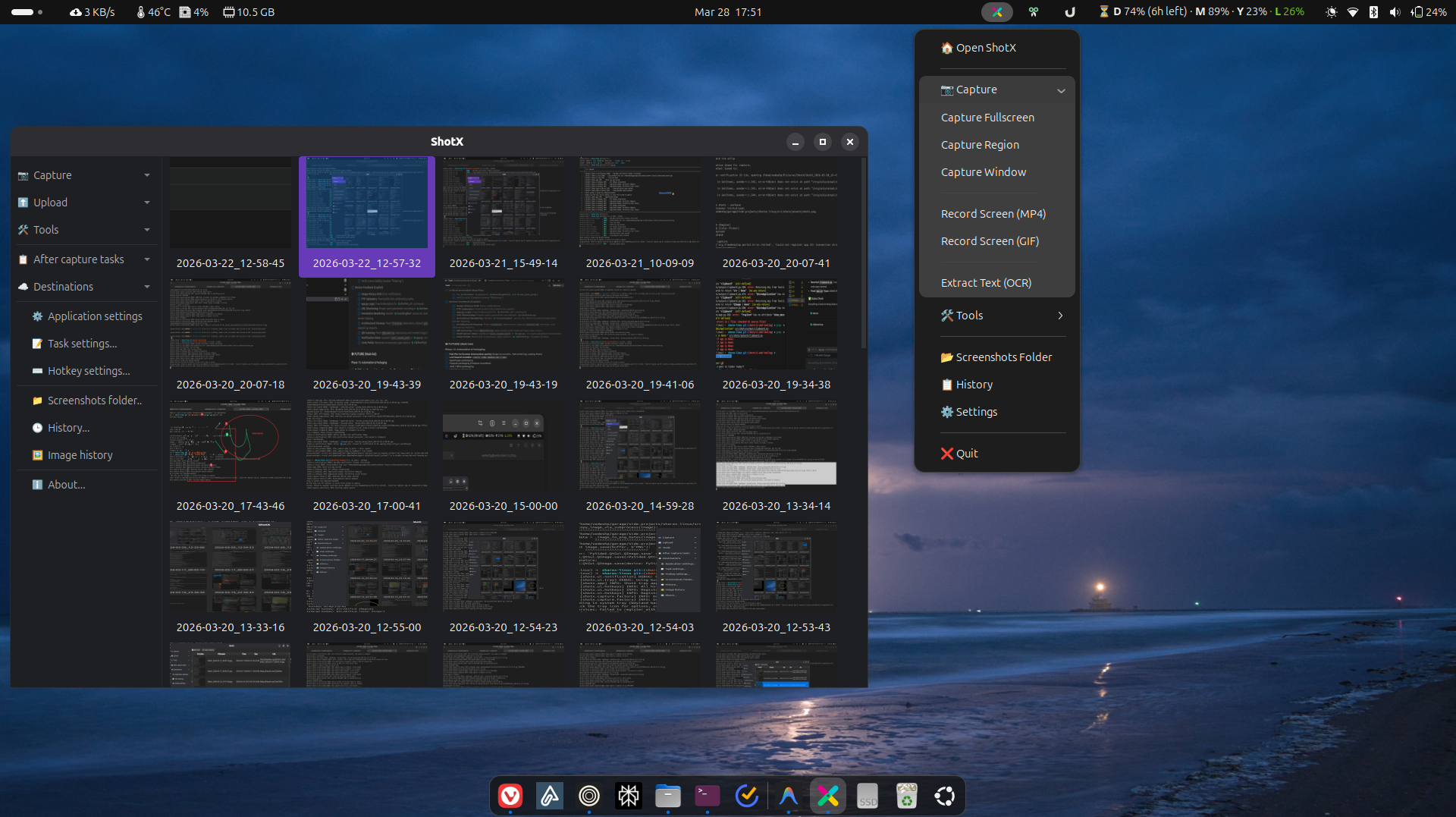
What Can ShotX Do?
| Category | Features |
|---|---|
| Capture | Fullscreen, region (with auto-detect), configurable delay, cursor toggle |
| Annotate | Arrows, shapes, text, blur, highlight, step numbers — during capture or in editor |
| Record | Screen recording to MP4 or GIF with audio capture |
| Upload | Imgur, ImgBB, tmpfiles.org, S3, FTP/SFTP, custom .sxcu uploaders |
| Edit | Crop, resize, effects, beautifier, combiner |
| Tools | OCR, color picker, ruler, hash checker, directory indexer. --setup-desktop: Install app menu entry. --install-autostart: Create start-on-login entry. |
Quick Example
# Launch the system tray app
shotx

# One-shot capture from CLI
shotx --capture-fullscreen
shotx --capture-region
shotx --ocr
Get Started
- Installation Guide: Install via one-liner, native packages (.deb/.rpm/AppImage), Homebrew, or PyPI
- Quick Start: Start capturing in under a minute
Platform Support
ShotX is Wayland-first with full X11 fallback:
- Wayland: xdg-desktop-portal D-Bus API (GNOME, KDE, Sway, Hyprland)
- X11: XCB/Xlib capture backend
v1.0.0-beta.1 — Public Beta
ShotX v1.0.0-beta.1 is the first official public beta release. Core features are stable and actively maintained. Native packages (.deb, .rpm, AppImage) and Homebrew tap are available. Help us improve by filing issues.